2026-03-10
I Vibe Coded an IntelliJ Plugin in 30 Minutes With Zero Plugin Dev Experience
The Idea Strikes at the Worst Possible Time
It always happens like that.
You're in the middle of something else, you see a piece of code you want to share, and you think — wouldn't it be great if I could just right-click and export this as a beautiful screenshot, directly from the IDE?
I've had that thought before. Many times. And every time I had it, I did what most people do: I opened a browser, searched for an online tool, pasted the code, fiddled with the settings, downloaded the image, and moved on.
But this time something was different. Instead of accepting the friction, I asked myself: what if I just built it?
The old version of me would have stopped right there. I use IntelliJ every day and I know Kotlin, sure. But IntelliJ plugin development? That's a completely different beast. The Platform SDK, extension points, action system, the specific Gradle setup for plugin projects — I had never touched any of it. Knowing the language is one thing. Knowing how the platform hangs together is another, and figuring that out from scratch takes real time.
But this was 2026, and I had Claude Code open in my terminal.
Thirty Minutes Later
Beautiful Code Screenshot is now live on the JetBrains Marketplace.
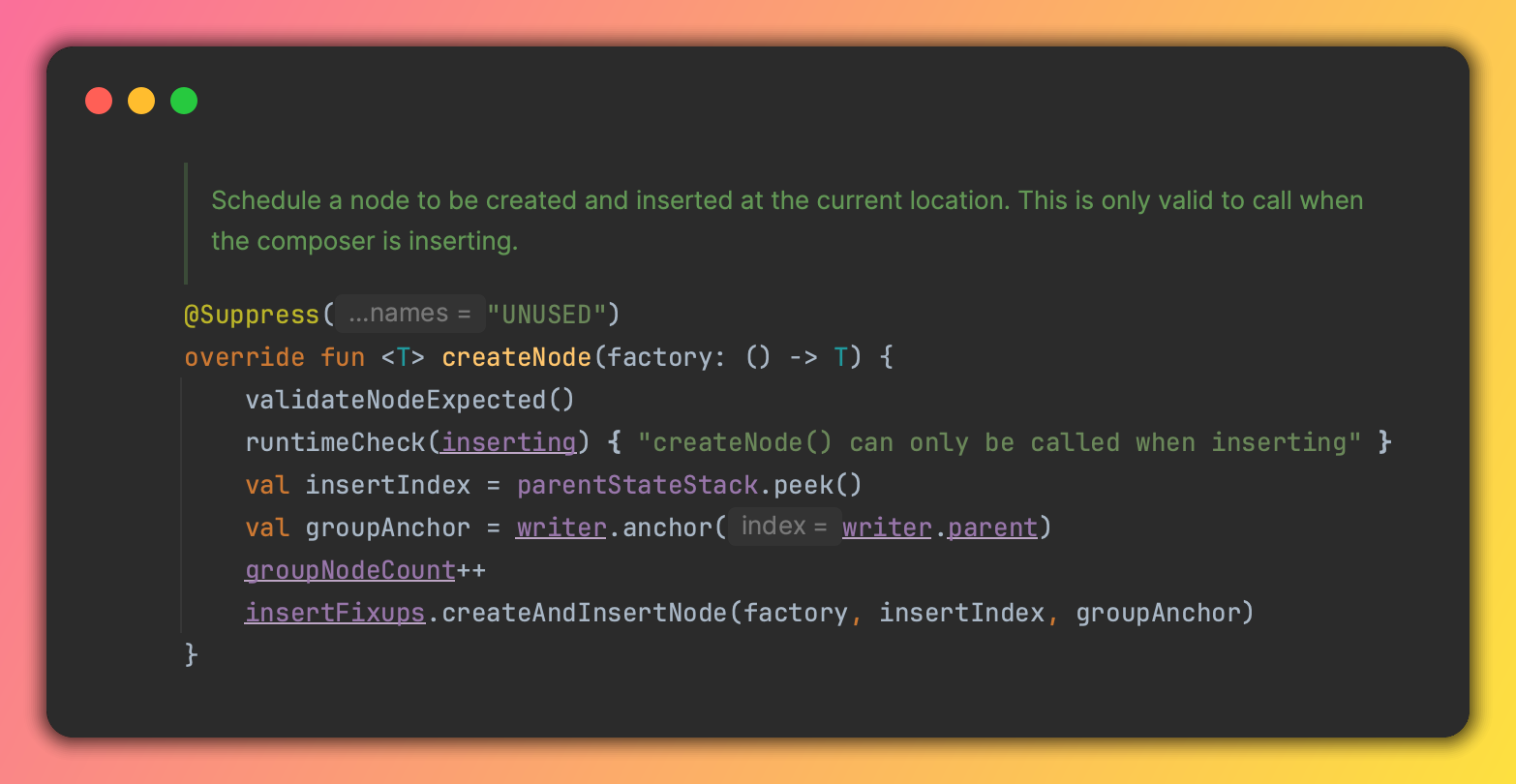
Select any code, right-click, choose Make a Screenshot — and you get a stunning, shareable image rendered with your IDE's own syntax highlighter, wrapped in a macOS-style window with rounded corners, a drop shadow, and traffic light buttons.
The whole thing — from first prompt to published plugin — took about 30 minutes.
No prior plugin development experience. No Stack Overflow rabbit holes. No three-hour Gradle debugging sessions.
How It Actually Worked
I opened Claude Code and described what I wanted. Not in technical terms — just the idea. A plugin that takes selected code, renders it beautifully, and lets you copy or save the image.
Claude Code figured out the rest:
- The right IntelliJ Platform APIs to hook into
- How to access the editor's own syntax highlighter so colors match exactly what you see
- How to render the output with a macOS-style window frame
- How to wire up the right-click context menu action
- The Gradle build setup needed to package and publish the plugin
I wasn't sitting idle watching it generate code. I was steering — reviewing what it built, testing in the IDE sandbox, giving feedback, tweaking the visual output. But the deep platform knowledge I would normally have had to spend days acquiring? Claude just had it.
The source code is public: github.com/jurajkusnier/beautiful-code-screenshot
What the Plugin Can Do
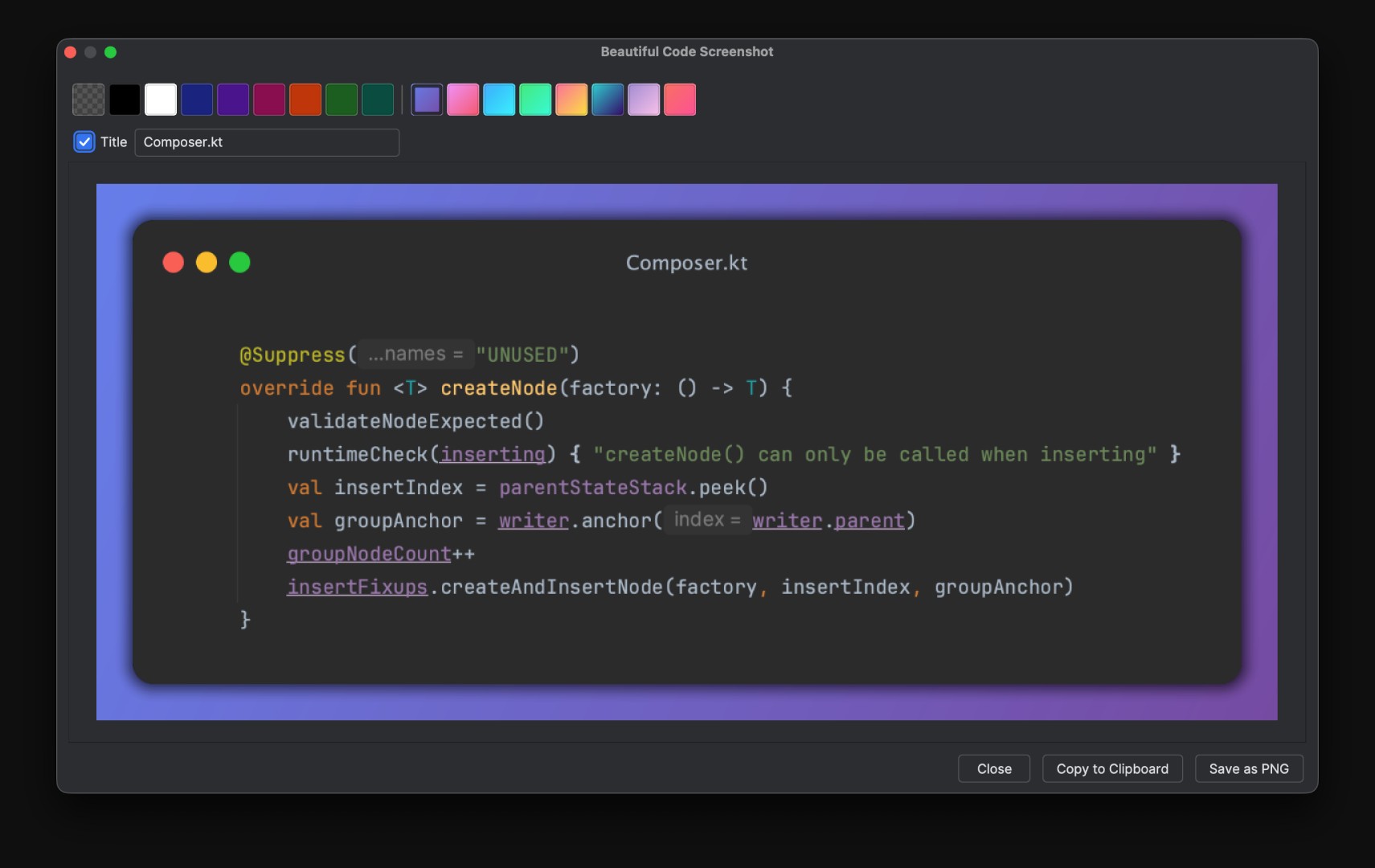
- Syntax-accurate rendering — uses your IDE's own highlighter, output matches exactly what you see on screen
- Background presets — transparent, 8 solid colors, or 8 beautiful gradients
- Remembers your last choice — background selection persists across sessions
- File name in the title bar — shown by default, editable or removable right in the preview
- Copy to clipboard — paste directly into Slack, Twitter, Notion, or anywhere
- Save as PNG — native save dialog, no fuss
- No external dependencies — runs locally, no cloud, no accounts
It's small. It does one thing. But it does it well, it's free, and it works right inside your IDE.
"But There Are Already Tools That Do This"
Yes. There are. Carbon, Ray.so, various VS Code extensions, other IntelliJ plugins.
And that's exactly not the point.
The point isn't that the world desperately needed my Beautiful Code Screenshot plugin. The point is that I had an idea, and instead of abandoning it, I shipped it. In 30 minutes. On a Tuesday.
The old barrier wasn't skill — it was the cost of acquiring skill just to explore one small idea. Learning IntelliJ plugin internals to build a tool I might use twice a week? That math never added up. So ideas died before they started.
AI coding tools collapsed that cost to nearly zero. Now the question isn't "do I know enough to build this?" It's just "do I want to?"
We Are Living in a Different World Now
I'm someone who constantly has ideas. Too many ideas. A backlog of half-formed concepts for tools, automations, little products — things I wanted to exist but never built because life is short and learning curves are real.
That backlog is shrinking fast.
The mental model shift I'm going through right now is this: one smart person with AI tools can explore 20 ideas in a month and find the one worth going deep on. You can prototype, publish, get real user feedback, and iterate — all before you've committed to becoming an expert in any particular technology.
This isn't about cutting corners. It's about finally being able to keep up with your own imagination.
The world is moving at an unprecedented pace. Startups that would have taken a team of five and six months of runway are being shipped by solo founders over a weekend. Tools that would have required specialized expertise are being built by people who learned what they needed in an afternoon.
You can either get excited about that or feel overwhelmed by it. But you cannot afford to ignore it.
Building in Public
This plugin is the first of many things I'm planning to ship publicly.
I'm not building with some grand product roadmap or funding strategy. I'm building because I'm curious, because the tools now make it possible, and because I want to find out which ideas are worth something when you actually put them in front of real people.
If you use IntelliJ-based IDEs and want beautiful code screenshots without leaving your editor, install the plugin. It's free.
And if you're sitting on your own backlog of ideas wondering whether they're worth the effort — they probably are. The effort is just a lot smaller than you think.
Related Reading
- Should You Still Learn to Code in 2026? — AI is changing what it means to be a developer
- AI in 2026 So Far: Key Trends Everyone Should Know — the broader context for why all of this is happening now
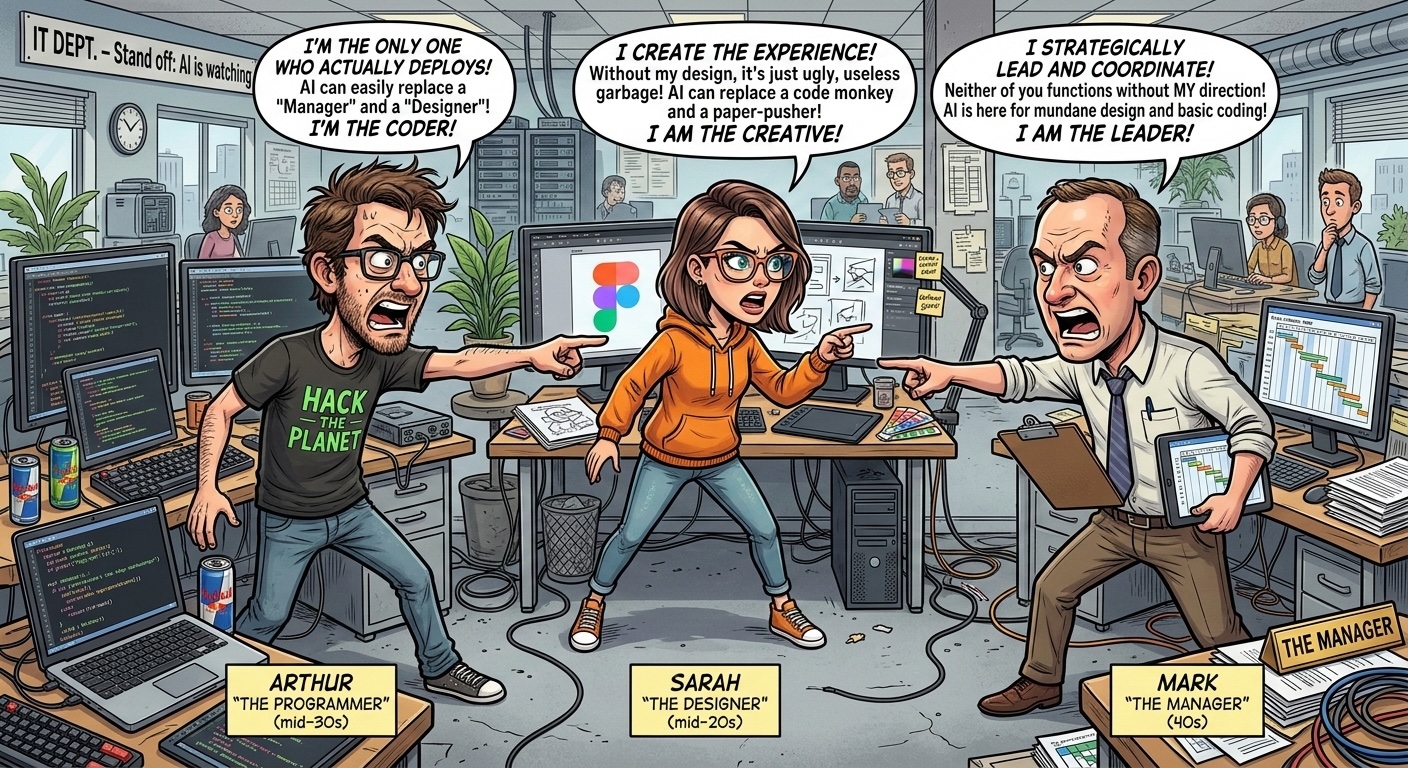
- The AI Mexican Standoff in Tech — how these shifts are reshaping roles in the industry
Continue reading
2026-03-10
The AI Mexican Standoff in Tech

2026-03-09
Should You Still Learn to Code in 2026?

2026-03-08
AI in 2026 So Far: Key Trends Everyone Should Know

2026-03-07
AI Hallucinations: Why AI Makes Things Up (And What to Do About It)

2026-03-05
What Is Machine Learning? A Plain-English Guide

2026-03-04